Beacons
Overview
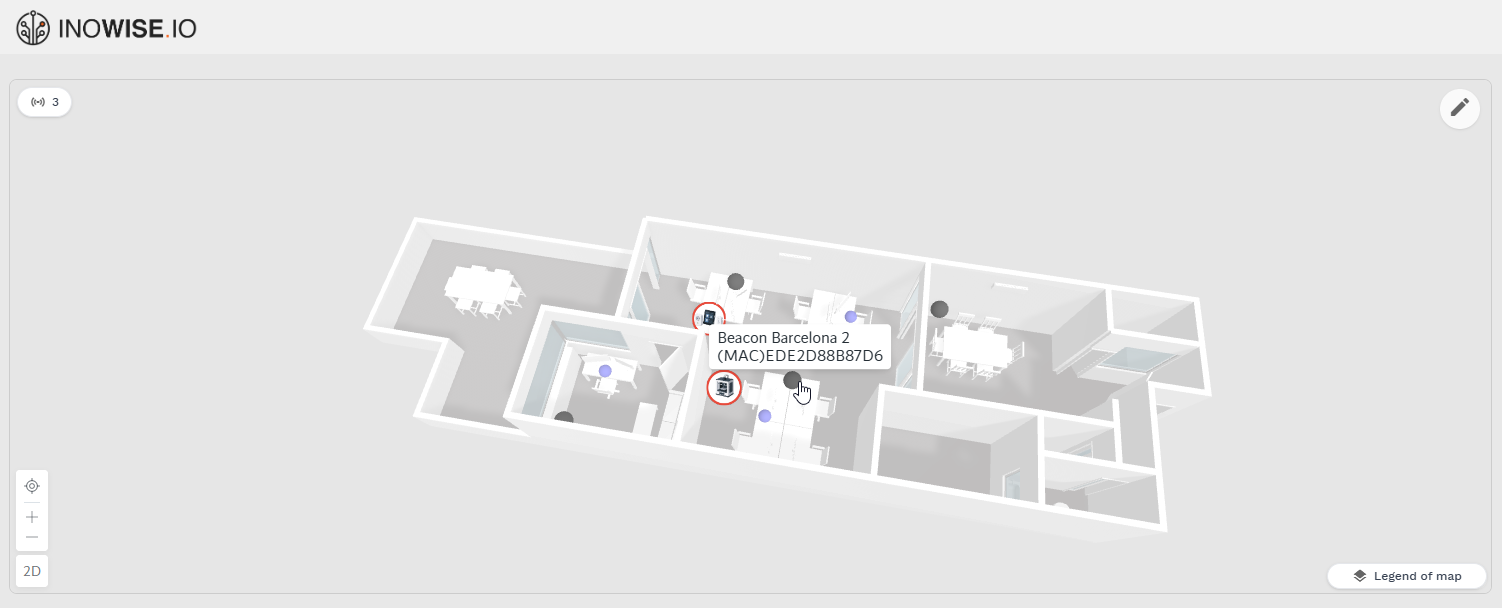
A Beacon is a fixed-position element placed on the map to help track the location of nearby assets and devices. Beacons are added to a floor plan the same way as assets and devices.
Adding a Beacon
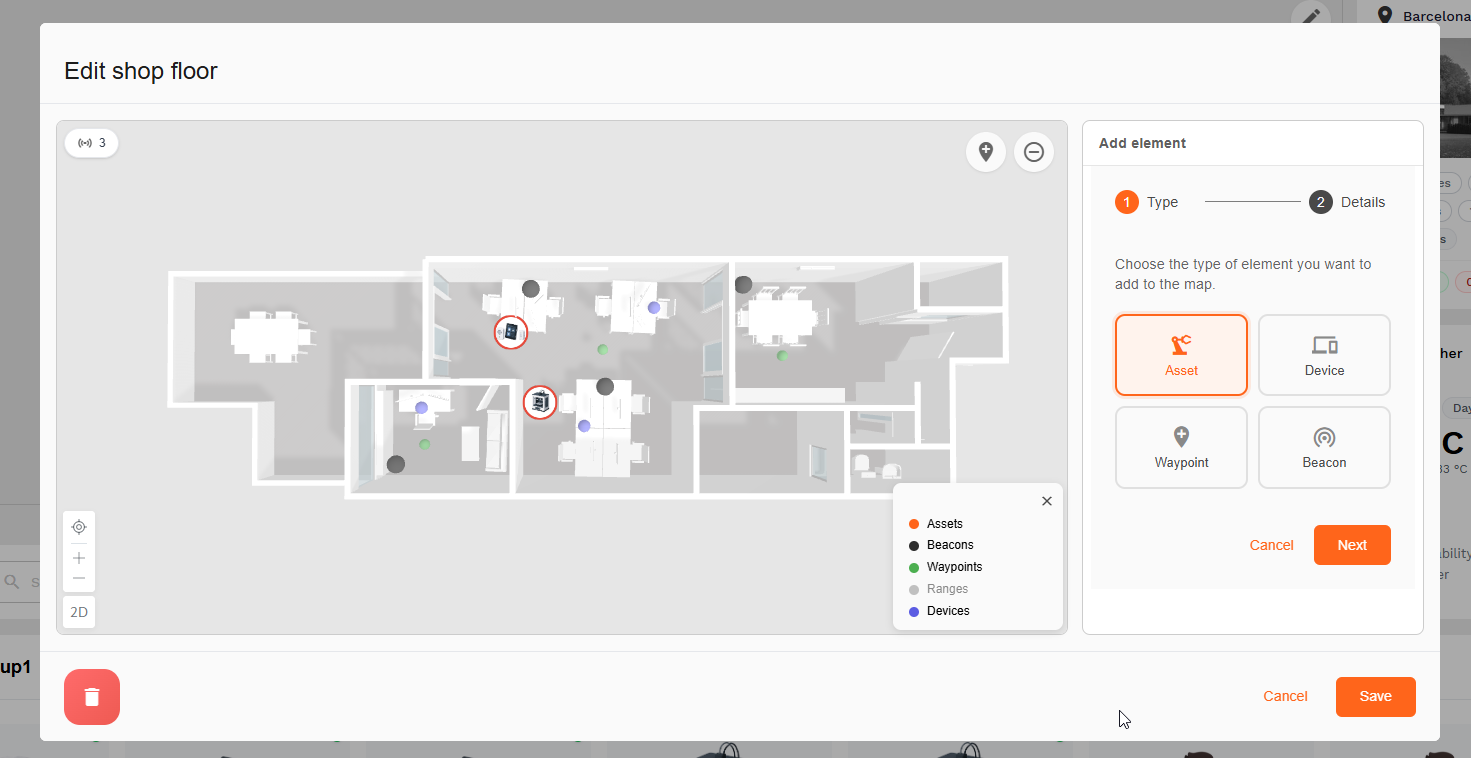
- Open the floor plan and click Edit.
- In Add element, select Beacon.
- Click Next and fill in the beacon details (name, MAC address, position).
- Click Save.
Beacon Properties
| Field | Description |
|---|---|
| Name | Identifier for the beacon |
| MAC Address | Unique hardware address |
| Position | Location on the floor map |
| Status | Online / offline state |